
ScopeWeek
ScopeWeek
ScopeWeek
The simple way to scope your MVP for free and be ready for developer engagement
The simple way to scope your MVP for free and be ready for developer engagement
The simple way to scope your MVP for free and be ready for developer engagement
Follow the step-by-step ScopeWeek email course and learn how to save weeks of headache, development costs and wasted time - in just a few hours.
Follow the step-by-step ScopeWeek email course and learn how to save weeks of headache, development costs and wasted time - in just a few hours.
Follow the step-by-step ScopeWeek email course and learn how to save weeks of headache, development costs and wasted time - in just a few hours.
5 simple, daily videos to help you plan your next project
Learn how to define and communicate what you want so that you’re project runs smoother.

Day 1
Overview of ScopeWeek
Let's start by understanding what ScopeWeek is, why it has been created, who it's for and how it works. You'll also be given instructions on how to download the Coda template that we'll be using for the documentation during the ScopeWeek process.
Day 2
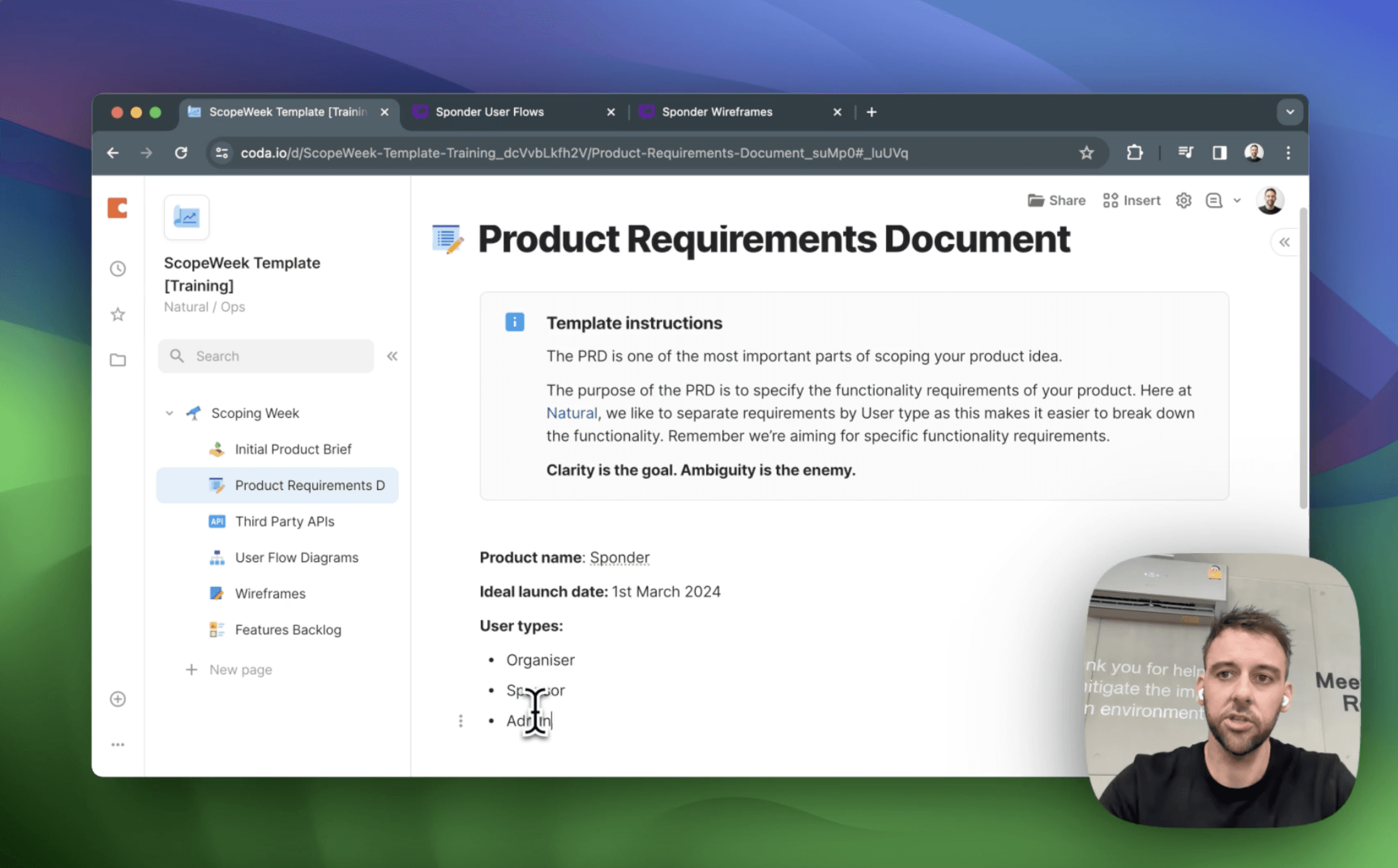
Product Brief & Requirements Document
Getting started with a simple and clear product brief is the best first step to get you in the mindset for scoping. From there we'll take the brief and turn that into a user focused product requirements document that has the key functionality listed for your application.

Day 3
User Flow Diagrams
We'll then take the PRD that we created in the last video and use that as the basis for our user flow diagrams. You'll learn how to document the different actions that your users need to take, how to think about creating the best user experience and how to think about the trade offs you will need to make during early development.

Day 4
Wireframing Your Application
See how we do basic wireframes of the main screens and flows in an application so that we have a good basis to work from when moving into the design and development phase. You'll also see how wireframing can often lead you to question and refine your original requirements and user experience.
Day 5
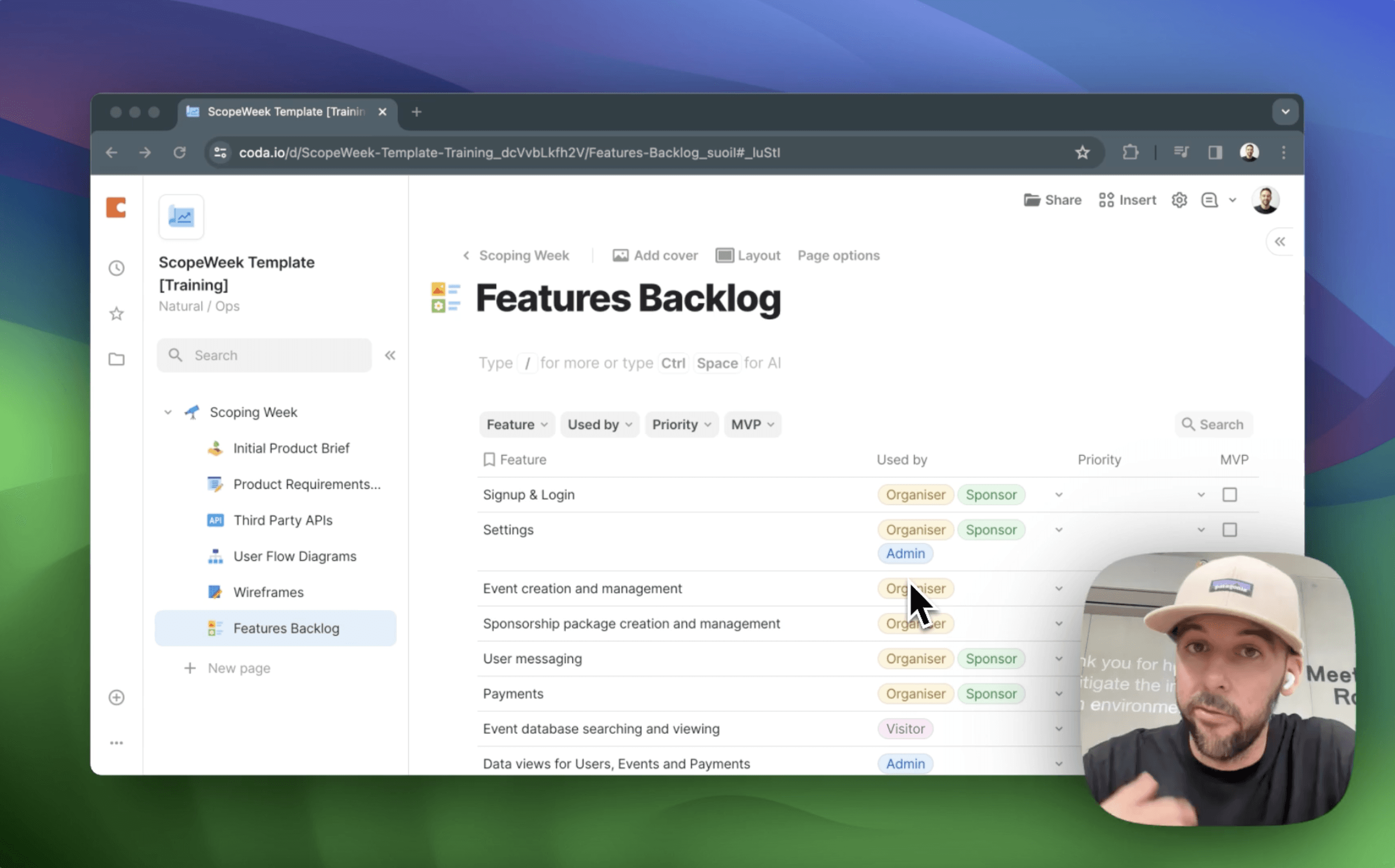
Bonus: Building A Backlog
Follow the step-by-step ScopeWeek email course and learn how to save months of headache, development costs and wasted time - in just a few hours.
5 simple, daily videos to help you plan your next project
Learn how to define and communicate what you want so that you’re project runs smoother.
Day 1
Overview of ScopeWeek
Let's start by understanding what ScopeWeek is, why it has been created, who it's for and how it works. You'll also be given instructions on how to download the Coda template that we'll be using for the documentation during the ScopeWeek process.
Day 2
Product Brief & Requirements Document
Getting started with a simple and clear product brief is the best first step to get you in the mindset for scoping. From there we'll take the brief and turn that into a user focused product requirements document that has the key functionality listed for your application.
Day 3
User Flow Diagrams
We'll then take the PRD that we created in the last video and use that as the basis for our user flow diagrams. You'll learn how to document the different actions that your users need to take, how to think about creating the best user experience and how to think about the trade offs you will need to make during early development.
Day 4
Wireframing Your Application
See how we do basic wireframes of the main screens and flows in an application so that we have a good basis to work from when moving into the design and development phase. You'll also see how wireframing can often lead you to question and refine your original requirements and user experience.
Day 5
Bonus: Building A Backlog
Follow the step-by-step ScopeWeek email course and learn how to save months of headache, development costs and wasted time - in just a few hours.
5 simple, daily videos to help you plan your next project
Learn how to define and communicate what you want so that you’re project runs smoother.
Day 1
Overview of ScopeWeek
Let's start by understanding what ScopeWeek is, why it has been created, who it's for and how it works. You'll also be given instructions on how to download the Coda template that we'll be using for the documentation during the ScopeWeek process.
Day 2
Product Brief & Requirements Document
Getting started with a simple and clear product brief is the best first step to get you in the mindset for scoping. From there we'll take the brief and turn that into a user focused product requirements document that has the key functionality listed for your application.
Day 3
User Flow Diagrams
We'll then take the PRD that we created in the last video and use that as the basis for our user flow diagrams. You'll learn how to document the different actions that your users need to take, how to think about creating the best user experience and how to think about the trade offs you will need to make during early development.
Day 4
Wireframing Your Application
See how we do basic wireframes of the main screens and flows in an application so that we have a good basis to work from when moving into the design and development phase. You'll also see how wireframing can often lead you to question and refine your original requirements and user experience.
Day 5
Bonus: Building A Backlog
Follow the step-by-step ScopeWeek email course and learn how to save months of headache, development costs and wasted time - in just a few hours.
ScopeWeek video content is free of charge and will stay live and free of charge as long as people find it useful. If you have any feedback, please feel free to reach out to me on X and let me know.
A product by

Samwilco
ScopeWeek video content is free of charge and will stay live and free of charge as long as people find it useful. If you have any feedback, please feel free to reach out to me on X and let me know.
A product by
Samwilco
ScopeWeek video content is free of charge and will stay live and free of charge as long as people find it useful. If you have any feedback, please feel free to reach out to me on X and let me know.
A product by
Samwilco